
1
/
of
1
THERMO KING TriPac Evolution Service Tool v1.0.5 | APU Diagnostic Software
THERMO KING TriPac Evolution Service Tool v1.0.5 | APU Diagnostic Software
Regular price
$180.00 USD
Regular price
Sale price
$180.00 USD
Shipping calculated at checkout.
Quantity
Couldn't load pickup availability
THERMO KING TriPac Evolution Service Tool v1.0.5 | APU Diagnostic Software
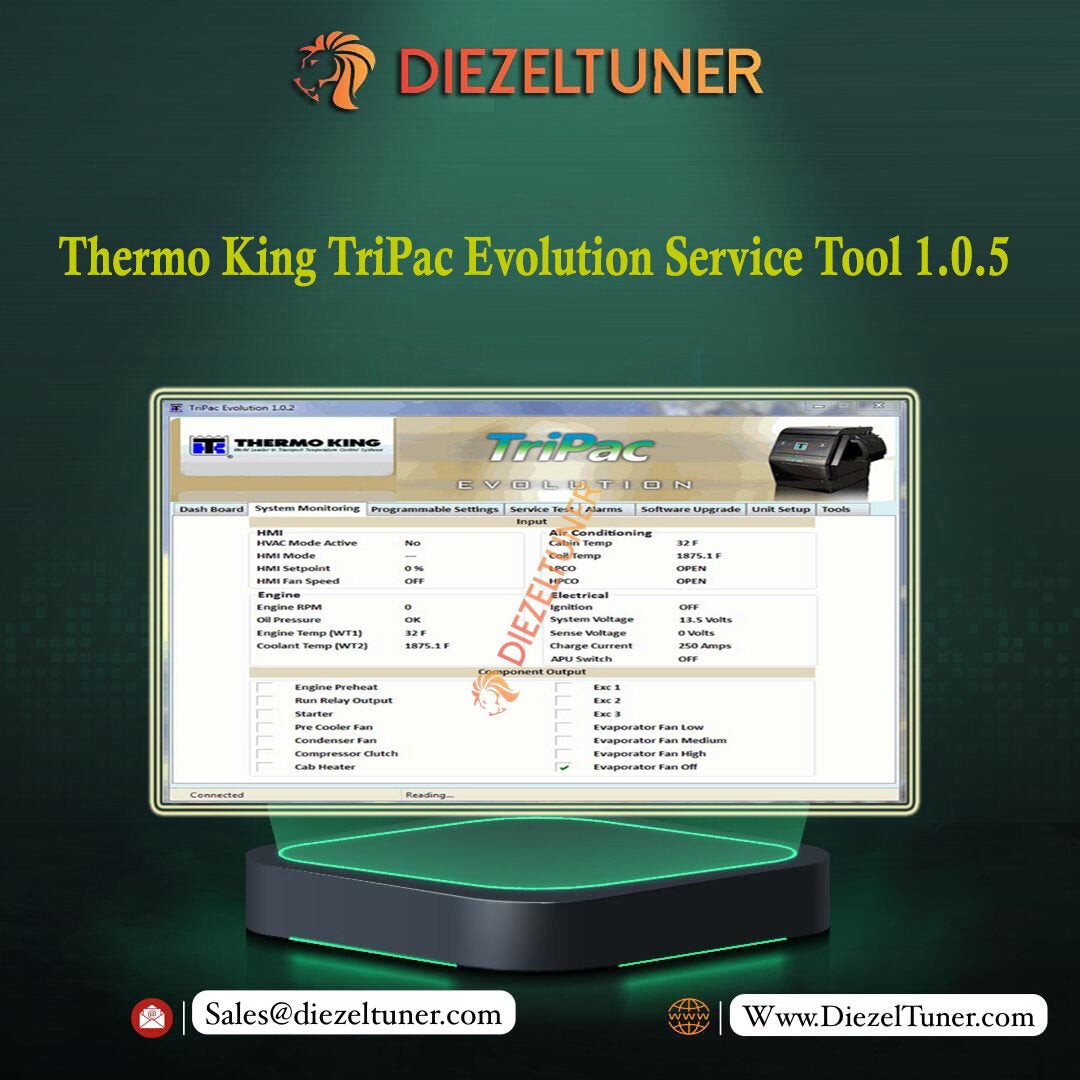
The Thermo King TriPac Evolution Service Tool is the professional diagnostic software for Thermo King TriPac Evolution Auxiliary Power Units (APU). It provides technicians with full access to fault codes, real-time system data, software updates, and command functions — all via a standard USB to Mini-B cable with no special adapter required.
🔧 Software Specifications
- 🔹 Release: v1.0.5
- 🔹 Compatible OS: Windows (all major versions)
- 🔹 Connection: USB to Mini-B USB cable — no special adapter required
- 🔹 Compatible Equipment: Thermo King TriPac Evolution APU systems
- 🔹 Regional Coverage: Worldwide — all regions supported
- 🔹 Delivery: Instant download — high-speed link sent immediately after payment
✨ Key Functions
- 🔹 Setup and run-in of new APU units after installation
- 🔹 View and clear fault codes and system alarms
- 🔹 Real-time diagnostic data monitoring
- 🔹 Software updates for the APU controller
- 🔹 Active test and command execution on the APU
- 🔹 Data log download and review
- 🔹 System restart and reset functions
🚚 About Thermo King TriPac Evolution APU
- 🔹 Truck-mounted auxiliary power unit providing heating, cooling, and electrical power
- 🔹 Eliminates engine idling — significantly reduces fuel consumption and noise
- 🔹 Maintenance interval: every 2,000 hours
- 🔹 Widely used on Class 8 commercial trucks across North America and globally
👥 Who Is This For?
- 🔹 Fleet maintenance teams and independent truck repair workshops
- 🔹 Thermo King APU service technicians
- 🔹 Owner-operators managing TriPac Evolution APU maintenance
⚠️ For activation and installation support, please contact us before use.
Share